How to use Tjuvholmen in 3D
You control the model with the mouse, your fingers or the panel on the right. Here is everything the panel can do, from places and artworks to time of day, sea level and Tjuvtitten.
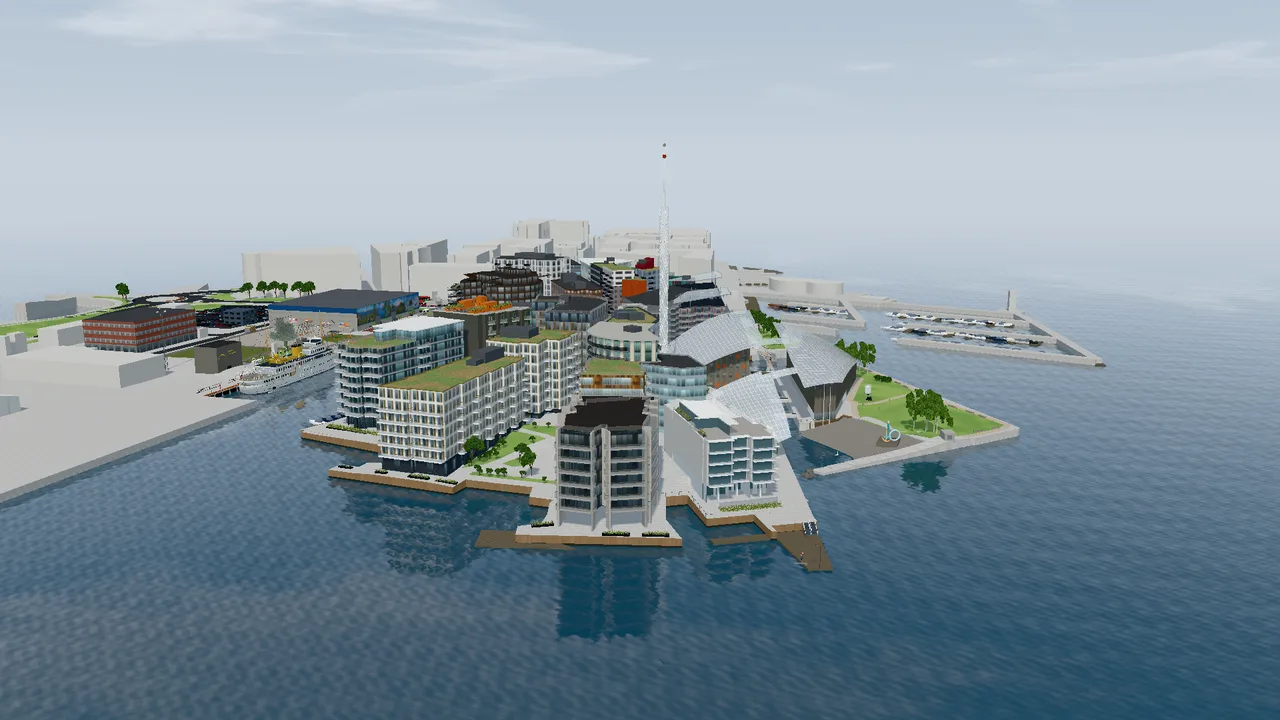
Moving around
- Drag with the mouse or one finger to turn the model.
- Scroll the mouse wheel or pinch with two fingers to zoom in and out.
- Right-click and drag, or drag with two fingers, to move the view sideways.
- Click a building to see its year of completion, architect, developer and photos. The cross closes the card.
- The arrow by the panel hides it, so you see more of the model.
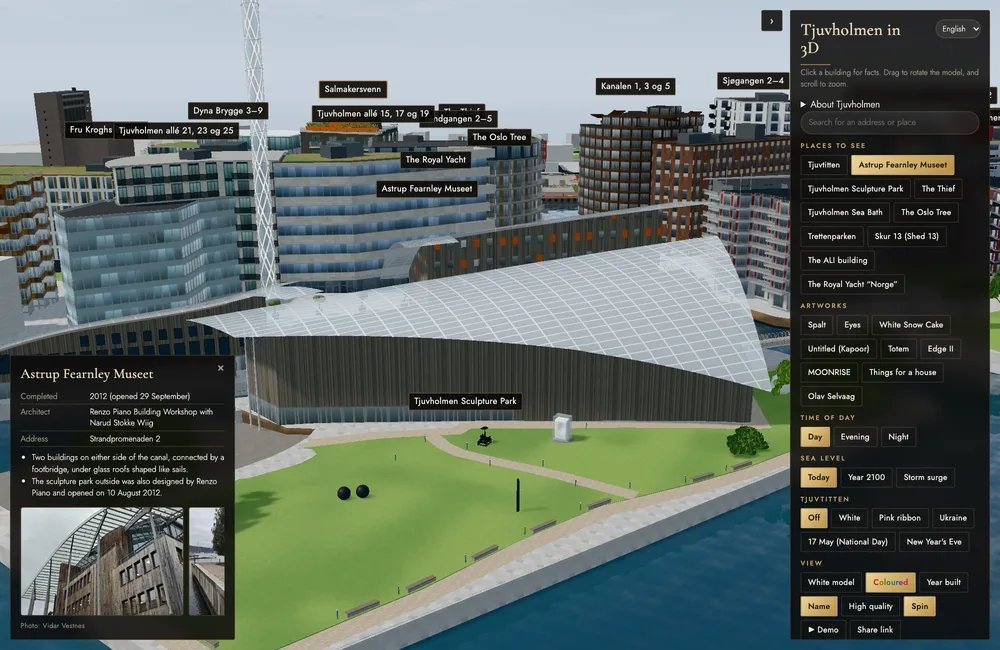
Search, places and artworks
- “About Tjuvholmen” gives a short introduction to the district.
- Type an address or a place in the search box, and the camera flies there.
- “Places to see” flies to the place and shows facts. The Oslo Tree is shown in the evening and Tjuvtitten at night, and at some places the camera slowly circles.
- “Artworks” takes you close to each work in the sculpture park, with artist, year and material.
Time of day and sea level
- Day, evening and night change the light: sun and shadows, sunset and lit windows. The camera stays put, so you can see the same place at any time.
- “Today” shows the sea as it is now.
- “Year 2100” raises the sea by about 32 centimetres, the Norwegian Mapping Authority’s estimate for Oslo with high emissions.
- “Storm surge” is added on top and shows a storm surge that comes on average once every ten years: 1.40 metres above mean sea level today.
Tjuvtitten
- The tower can be lit in white, with a pink ribbon, in Ukraine’s blue and yellow, in Constitution Day colours, or with fireworks on New Year’s Eve. When you choose a colour, it turns to night and the camera flies to the tower.
View
- “White model” shows the shapes without colours, like an architectural model.
- “Coloured” shows façades, materials, trees and boats.
- “Year built” colours the buildings by when they were completed, from red (oldest, 2007) to green (newest, 2014).
- “Name” shows or hides the name labels.
- “High quality” adds reflections and sharper light. It switches on by itself when your device has enough power, and off again if the model becomes slow.
- “Spin” lets the camera slowly circle. It stops when you touch the model.
- “Demo” is a tour of about one minute.
- “Share link” copies a link to exactly what you see: angle, time of day, view and selected building.
More in the panel
- At the bottom of the panel you can report an error or suggest an improvement. The message goes to Vidar Vestnes, who made the model.
- Boards of the condominiums on Tjuvholmen can request full access, with more detailed figures for their building.